⌨️
Visual Keyboard
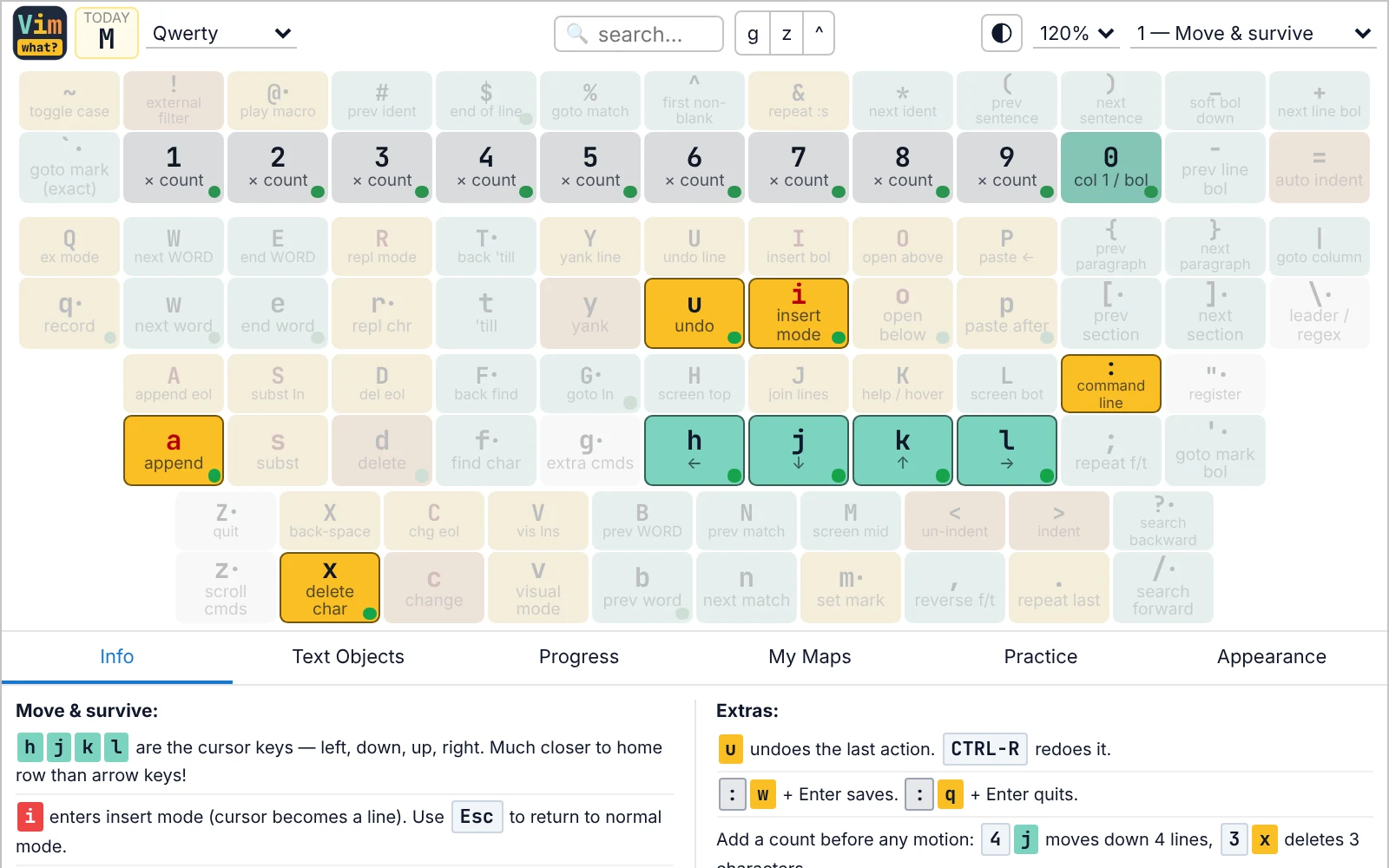
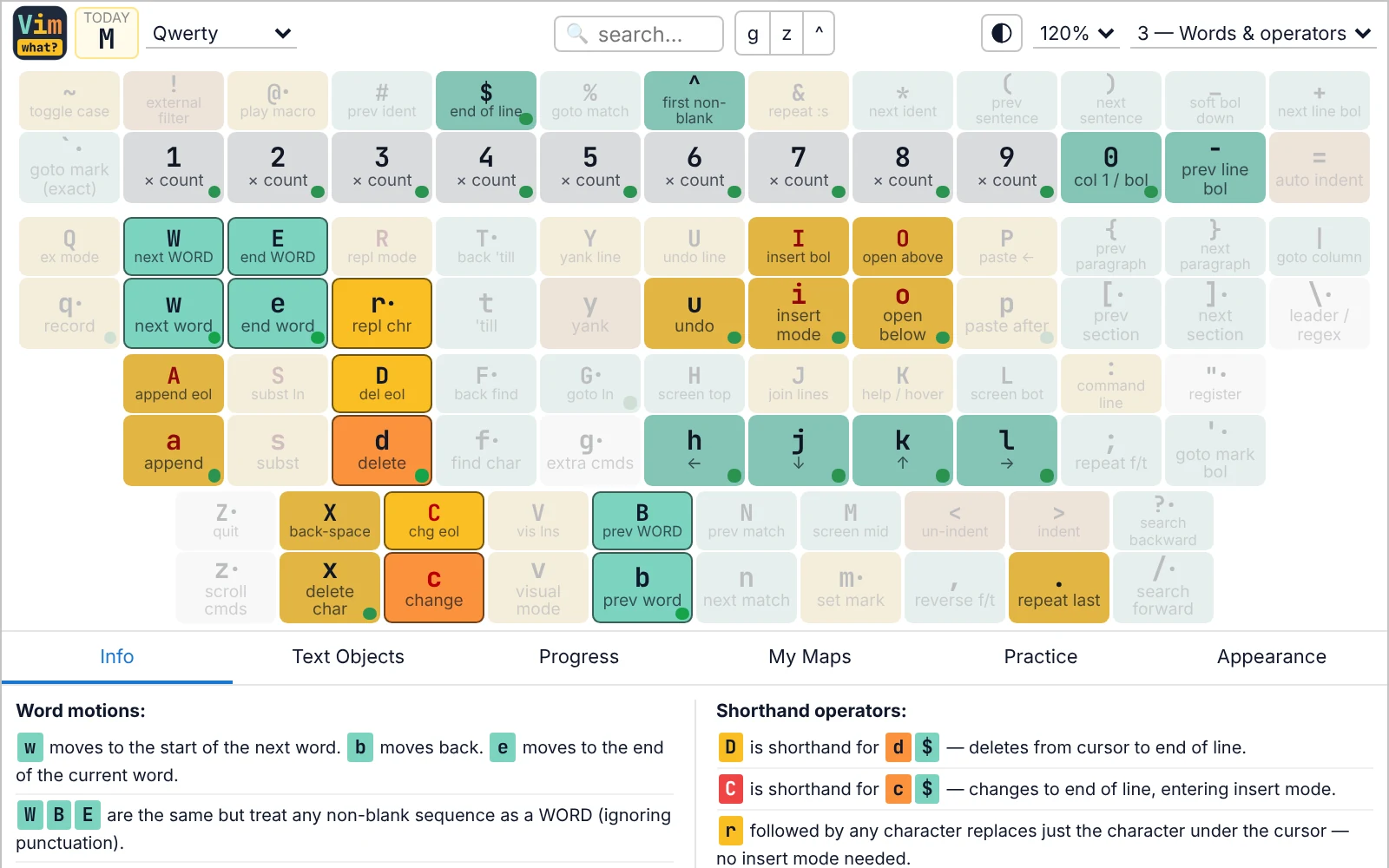
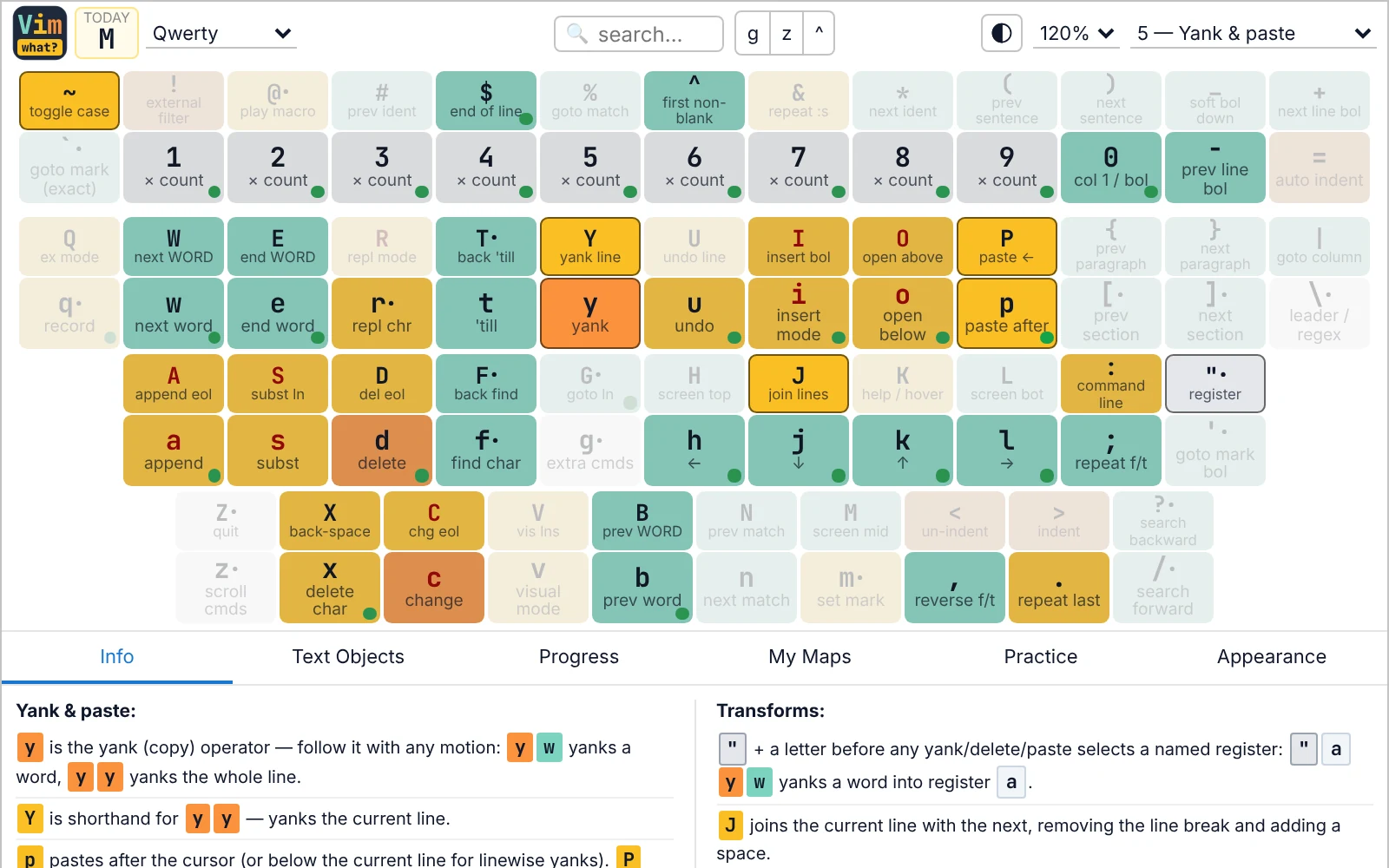
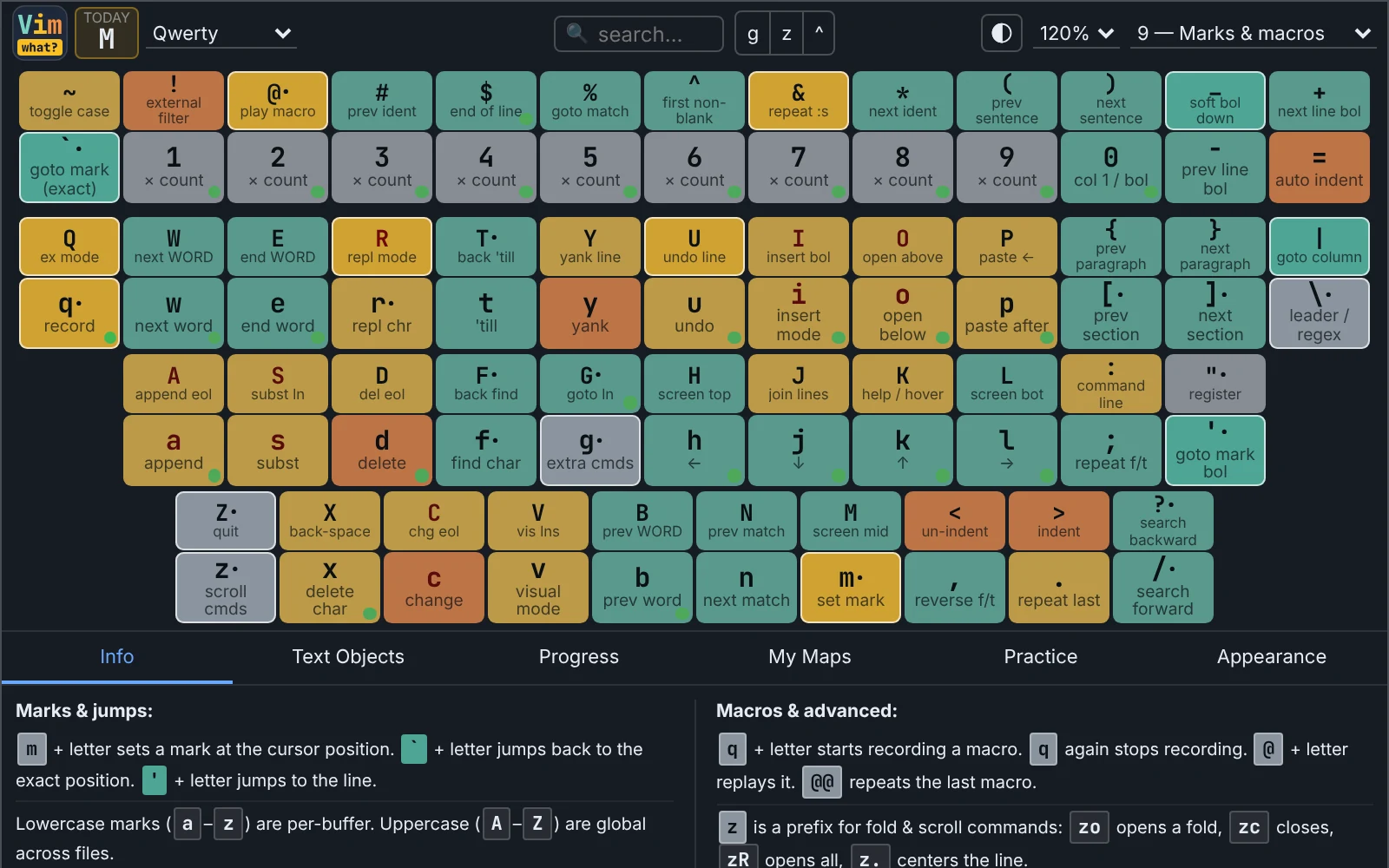
Color-coded keys show motions, operators, commands, and insert-mode triggers at a glance. Shift layer is always visible — no toggling.
📚
9 Guided Lessons
Progressively unlock commands from basic movement to macros and text objects. Each lesson explains the why, not just the key.
🔄
Prefix Mode Overlays
Explore g, z, and Ctrl prefix commands with a single click. See every combination without leaving the popup.
🔍
Instant Search
Type any command or description to filter the keyboard in real time. Find what you half-remember in seconds.
✅
Progress Tracking
Mark keys as learned and watch your green dots multiply. A progress panel shows completion per category.
🗒️
Custom Mappings
Added a remap in your vimrc? Note it directly on the key. Purple dots mark your personal customizations.
💡
Key of the Day
A daily highlighted command to build muscle memory one key at a time.
📐
Text Object Reference
Built-in i/a text object reference panel — always one click away when you can't remember ci" vs ca".
🧠
Practice Drills
Quick spaced-repetition drills on the keys you've learned, with a daily streak to keep the habit going.
🌗
Dark Mode & Themes
Follows your system's light or dark setting, or pick your own. Choose from 4 light and 6 dark palettes inspired by popular editor color schemes.
⚡
Keyboard First
Press any key on your real keyboard to look it up. Esc clears the selection, then closes the popup.
🔒
Private by Design
No account, no analytics, no tracking inside the extension. Your progress stays in your browser.